
Searching the Bandera County Court Docket
Know where the record lives before you type anything. Bandera County splits its court records among several courts. These include the 198th Judicial District Court, the Constitutional County Court, four Justice Courts, and the City of Bandera Municipal Court. So the court, the case type, and the citation issuer matter. They decide where your docket search starts. For local civil and criminal information, the County Clerk links iDocket. Texas also runs re:SearchTX for covered statewide cases, filings, document text, and hearings, though its documented criminal limits make it a supplement rather than a substitute.
- Read the pleading, citation, notice, or order and identify the court.
- Use an exact cause or citation number before a broad name search.
- Compare court, type, filing date, status, and parties in the result.
- Open the docket detail and distinguish entries from document images.
- Confirm a future setting with the clerk or court coordinator.
- Request a plain or certified copy when proof of a filing or outcome matters.
Write down the date you ran the docket search. Bandera County dockets shift as new filings, orders, resets, and dispositions come in. A blank result only tells you the search turned up nothing; it cannot prove the case does not exist or that the record is sealed.
Route Bandera Dockets by Court
Where a case lives depends on its type. A felony, divorce, district civil suit, district appeal, or writ belongs with the District Clerk. A Class A or B misdemeanor, constitutional-county civil matter, probate case, or county juvenile file sits with the County Clerk. Fine-only offenses, small claims, debt claims, and evictions may land in a JP precinct. Bandera County has four of them. Citations issued inside the City of Bandera can belong to Municipal Court instead. Check the charge or filing first. That one detail tells you plenty. It points to the Bandera County office that holds the court docket you need. The Bandera County District Clerk page shows the office responsible for 198th District Court records.
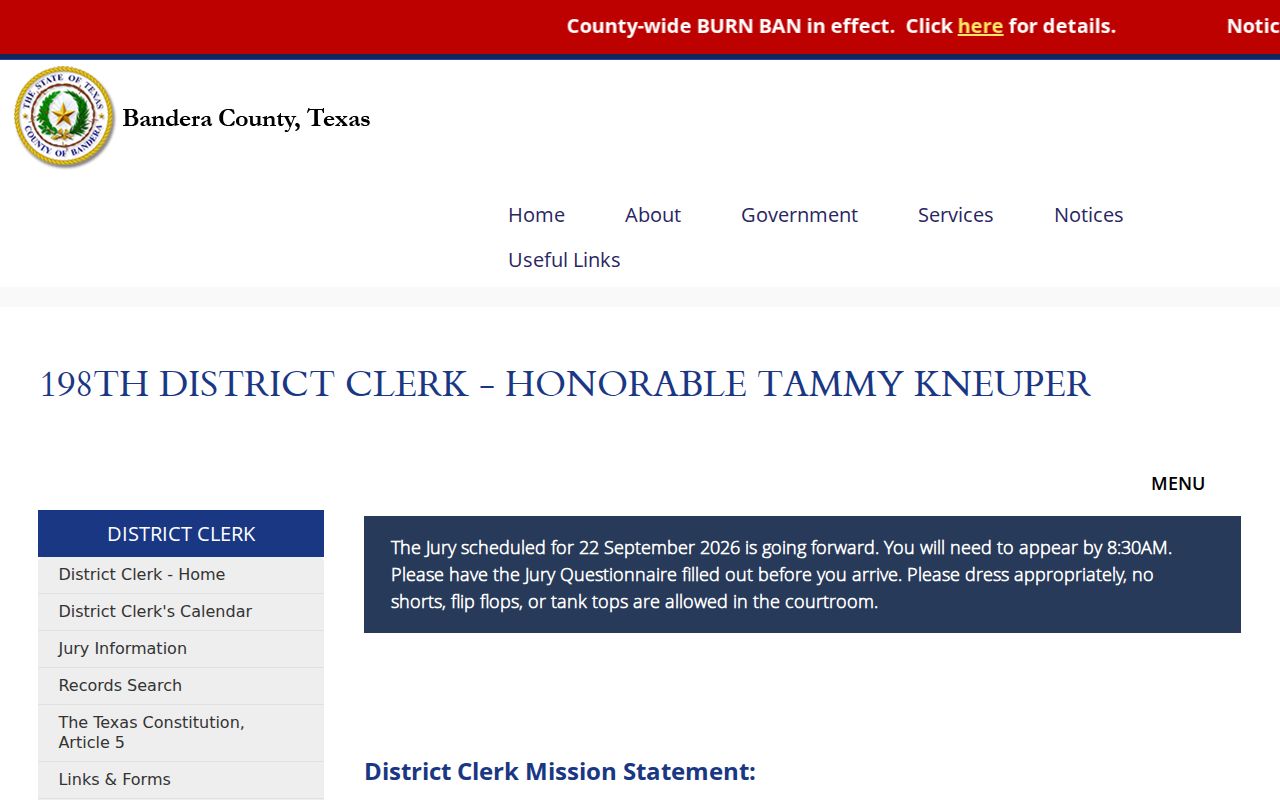
The District Clerk page also prevents misrouted filings. With it, a district case will not get sent to the County Clerk or a JP by mistake.
Inside a Bandera County Court Docket
A Bandera County court docket is an index of case activity. It may not hold the full file, a transcript, or a final judgment. Pay close attention to the field names. Copy the cause number exactly as written. The courts here do not share one numbering format. So keep every letter, punctuation mark, and leading zero in place.
| Cause Number | The court-issued identifier; a citation number may be different. |
|---|---|
| Style or Parties | The case caption. A name match alone does not establish identity or outcome. |
| Case Type | Civil, criminal, probate, juvenile, traffic, ordinance, or specialty category. |
| Filed Date | The date the case or item was filed, not necessarily a hearing date. |
| Docket Entries | Filings, motions, returns, orders, pleas, hearings, judgments, and other events. |
| Setting | A past or future court event that may later be reset. |
| Status or Disposition | The portal label; the actual order supplies the legal result. |
Labels like active, inactive, reactivated, added, and disposed read like outcomes, but they are really just inventory tags. Do not treat “disposed” as a result. Check the judgment or disposition entry in the Bandera County court docket first.
Bandera iDocket and Statewide Search
For the local iDocket route, trust the County Clerk record-search page. It spells out what a free name search can return. That list covers parties, cause number, and case type. Filing date appears too. Bond company, disposition, and disposition date show up where applicable. The vendor landing page also shows login and registration controls. If the free-search path seems murky, just ask the County Clerk. Don't probe the service with your own private data.
| Portal | Observed search controls | Best use |
|---|---|---|
| iDocket | County-confirmed name search; vendor login controls | Local County and District civil/criminal index context |
| re:SearchTX | Keyword; Cases, Filings, Text, Hearings; filters; save/export | Covered statewide records and hearing research |
| CitationsPublic | Name, cause number, court/county, status, wildcard | Texas citation and notice records, not complete case files |
| Municipal Tyler | Citation, license, name, vehicle, and business modes | City of Bandera citation and municipal case lookup |
Add re:SearchTX as a second layer for a Bandera County docket search. Your account role can limit which fields and documents you see, and the Texas Judicial Council notes criminal exclusions. When a criminal result is missing, call the District Clerk, County Clerk, JP, or Municipal Court for the right venue.
Courts That Keep Dockets in Bandera County
The state directory lists no County Court at Law for Bandera today. So “County Court” here means the Constitutional County Court. That holds unless a source says otherwise. A building address alone will not tell you who keeps the record. The judge or coordinator may sit at another listed location. The Bandera clerk still runs the docket counter.
| Court | Docket covers | Search or custodian |
|---|---|---|
| 198th Judicial District Court | Felony, district civil, family, appeals, writs | Bandera County District Clerk |
| Bandera County Court | County misdemeanor, civil, probate, juvenile | Bandera County Clerk |
| Justice Courts 1 through 4 | Fine-only cases, traffic, eviction, small claims, debt | Issuing precinct office |
| Bandera Municipal Court | City traffic, parking, ordinances, animal and code matters | Municipal clerk and city-linked Tyler portal |
| Child Protection Court | Bandera child-protection settings | Official specialty docket portal |
Federal cases do not run through the Bandera County clerks at all. Bandera County sits in the San Antonio Division of the Western District of Texas. Dockets there live in PACER and CM/ECF instead.
Bandera Clerk Terminals and Counters
Computers are not the only way in. Both Bandera County clerk offices keep reception-area search terminals open during regular business hours. A terminal session pins down the basics. Use it for a cause number, the case type, a filing date, the parties, a disposition date, or the next setting. It pays to ask whether the terminal reaches the years you need. Ask too whether an older file has to be pulled. The county's free-terminal instructions show the rest. The public counter ties into the same local case-search workflow.
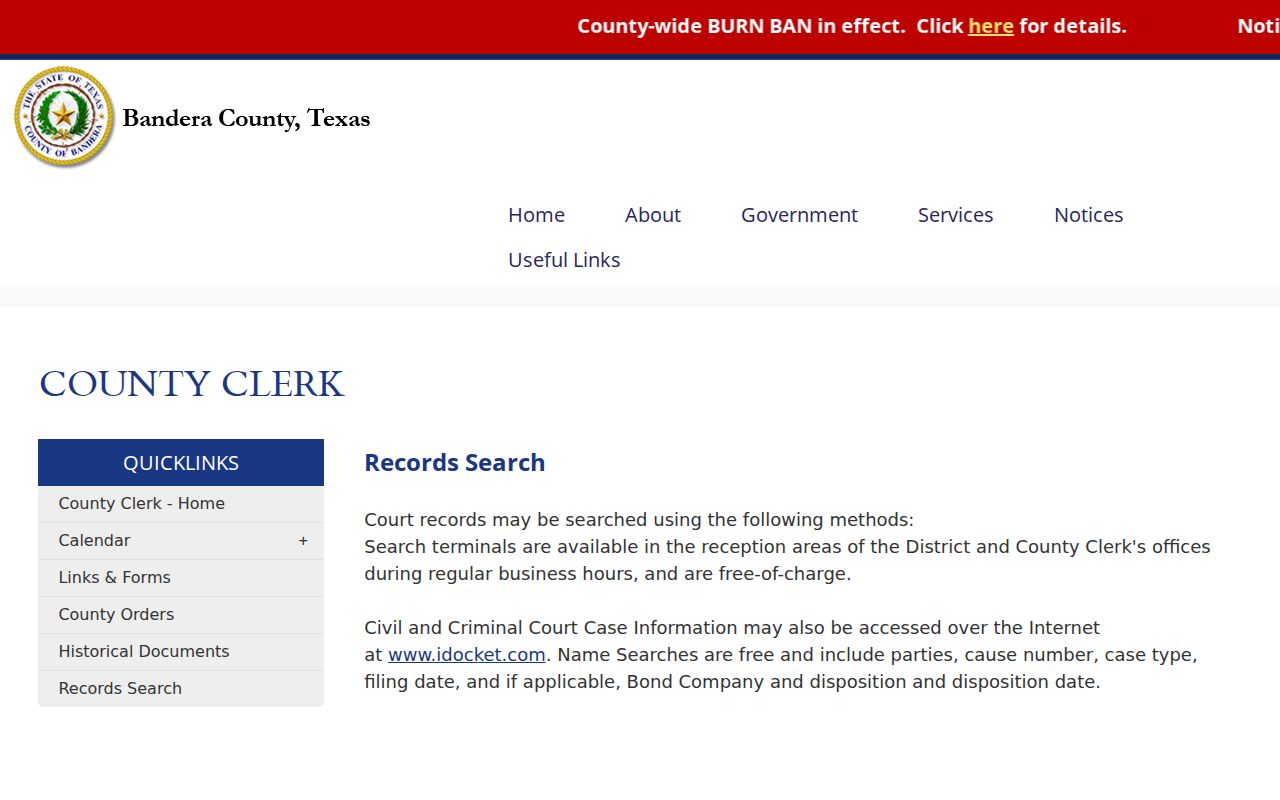
The terminal route earns its keep when a vendor login stalls, an image will not load, or a search field makes no sense. Bring the cause number, the rough year, and the document name. Call ahead for anything archived, certified, or restricted. A terminal result only locates the record; a clerk-certified copy is the higher-proof form.
How to Find Court Dates and Settings
No single live calendar covers every Bandera County case. The County Clerk forms page can link a dated County Court docket PDF. The District Clerk posts local setting rules plus a separate jury-status channel. JP and municipal dates often start on a citation or notice. The Child Protection Court puts out specialty docket PDFs. The county's Day, Week, Month, and Agenda calendar tracks events, not full case settings. A court date can mean several things. It might be a citation response deadline, a docket setting, a signed order setting a hearing, or a date on a published PDF. Read the event type first. Arraignment, pretrial, and a motion hearing are all different events. So are docket call, jury trial, and bench trial. Then confirm date, time, courtroom, appearance mode, and any required papers. Check with the responsible clerk or coordinator. The full Bandera County Court Dates workflow sorts these channels apart and explains resets. For jury service alone, the District Clerk lists 830-796-4682. That narrow line is not a general docket number. And a Zoom procedure for one setting does not make every setting remote.
Bandera Motion Settings Follow Local Rules
Getting a motion onto the Bandera District Court calendar starts with the other lawyers. Talk to the court coordinator. Then agree on a date with all counsel before you submit anything. Your setting request goes in with the file-marked motion and a proposed order. Add a cover letter noting the agreement and the estimated hearing time. Put counsel names, fax numbers, emails, and addresses for any self-represented party at the bottom of the order. The District Clerk links and forms page gathers the local rules, standing orders, record-search instructions, and e-filing links in one place.
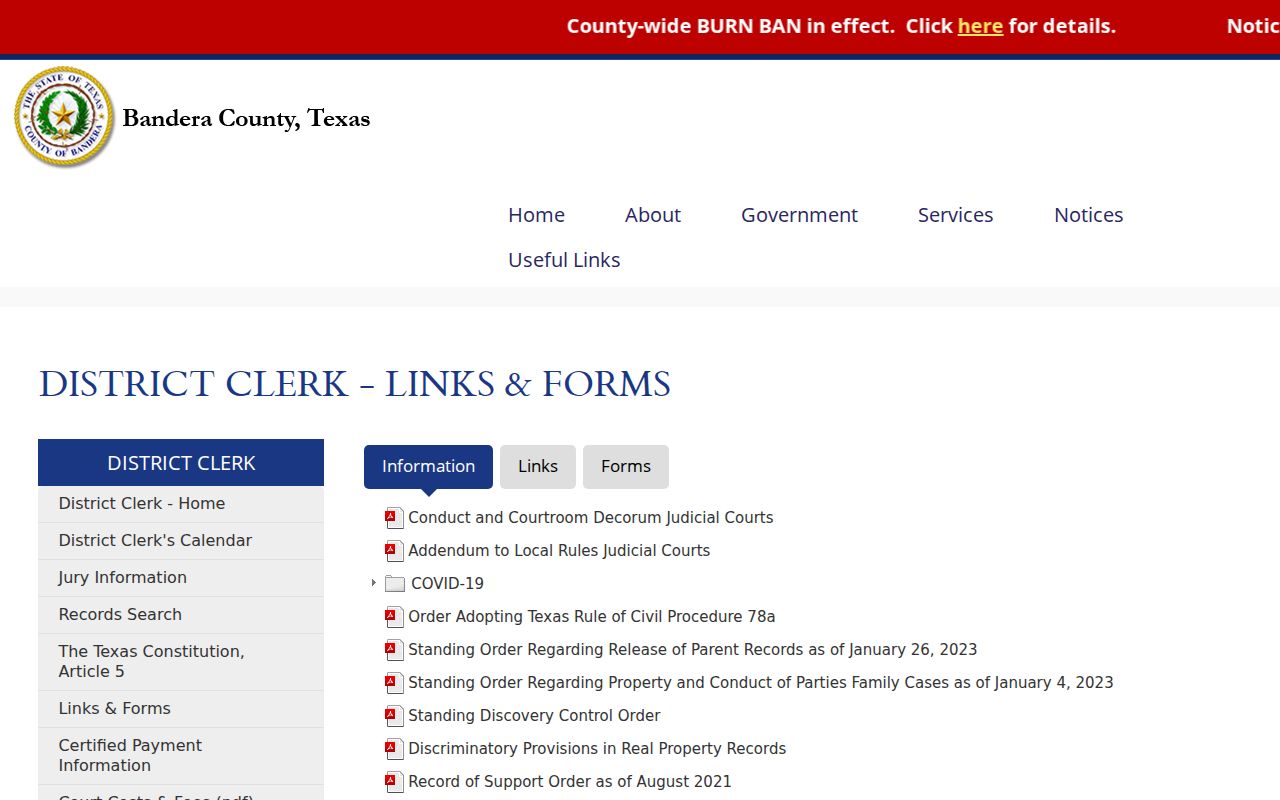
This is why a proposed date is not a docket setting you can rely on yet. If the order is unsigned or incomplete, the clerk may hold it for correction. Confirm the signed order was actually filed, then check the court docket again right before you head to the courthouse.
Public Access to Court Dockets
Texas does not treat court records like ordinary county paperwork. A docket or case file is governed by the court, the clerk, statutes, rules, and orders. Those all apply to it. Judicial records fall under Texas Rule of Judicial Administration 12. The Texas Public Information Act covers county administrative information. But it will not pry open every case file by itself. Know which framework applies before you request a Bandera County court record.
Key access rules:
Texas court open-records policy explains the difference between case records and judicial records.
Texas Rule of Civil Procedure 76a sets standards and process for sealing court records in civil cases.
Texas Family Code Chapters 58 and 109 protect categories of juvenile and child-related information.
Texas Code of Criminal Procedure Chapters 55 and 411 provide expunction and nondisclosure paths for eligible records.
Public access to a court docket is broad, yet it has edges. A portal may show the index while holding back the document image. The clerk can redact protected data. A court order may seal a record. Ask about the legal route instead of trying to work around a block.
Restricted Bandera Dockets Need Care
Juvenile, child-protection, sealed, expunged, confidential, and protected personal data may never surface in public docket results. Family cases can mix public docket facts with documents the public cannot see. A missing entry does not tell you which rule controls. It might be scan quality, incomplete indexing, a vendor outage, or an account limit.
- Sealed
- Access restricted by a court order or governing law.
- Redacted
- Protected information removed while other parts remain available.
- Expunction
- A legal process that can remove or destroy eligible criminal record information.
- Nondisclosure
- A separate statutory limit on public disclosure for eligible criminal records.
- Not indexed
- A record may exist with the clerk even though the search portal does not list it.
Ask the clerk whether the record is restricted, unavailable online, not indexed, or just not found under the terms you used. An authorized request may need identification, a motion, or an order. Never republish Social Security numbers, birth dates, license numbers, addresses, or anything identifying a child.
Docket Records at the Clerk's Office
Bandera County splits its court records between two clerks. District Clerk Tammy Kneuper holds the files of the 198th District Court. It covers civil, criminal, felony, family, appeals, and writs. County Clerk Tandie Mansfield keeps the Constitutional County Court files. Her office holds criminal, civil, probate, and juvenile matters, along with Commissioners Court records. Each JP and the Municipal Court clerk hold their own lower-court dockets. The official County Clerk page names the county-court custodian. It also lists the office location and public hours.
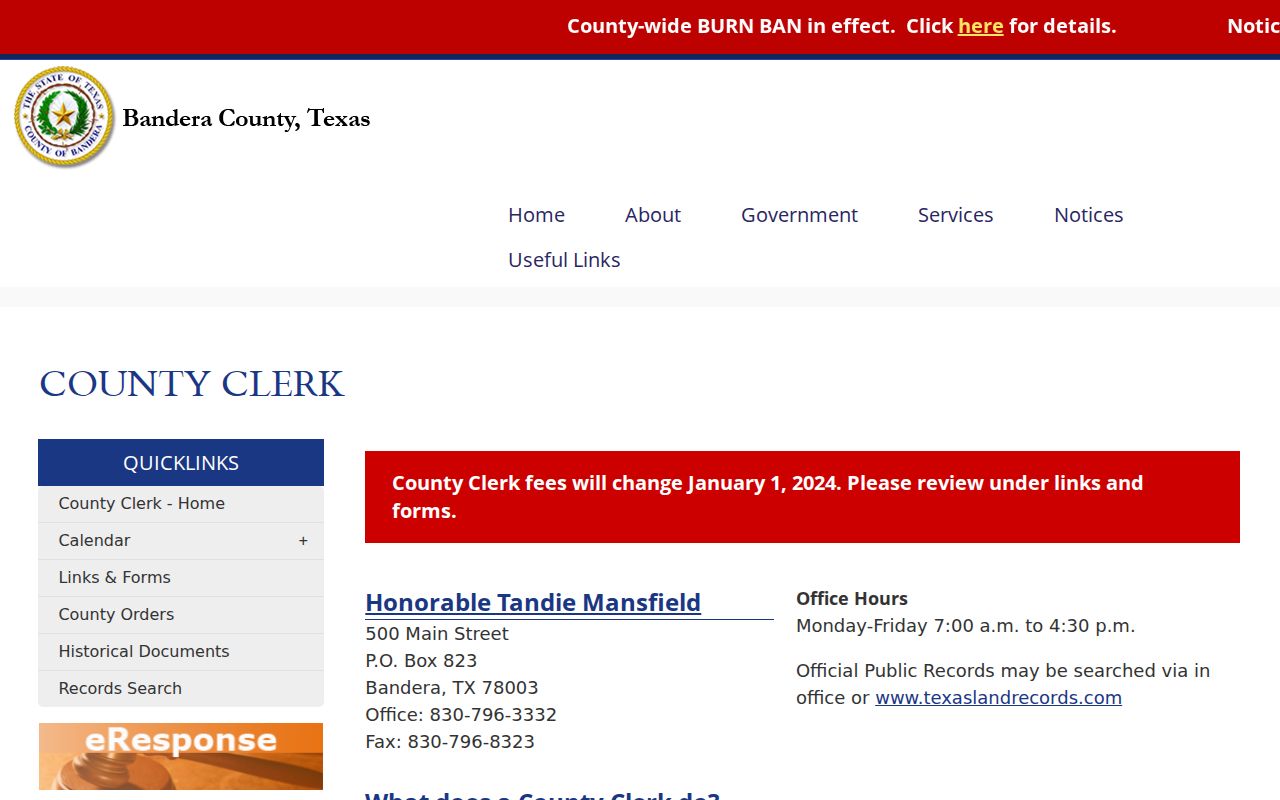
The routing rule stays the same either way. A County Court case does not turn into a District Clerk record just because both offices serve Bandera County.
Both clerks accept written requests. District Clerk requests go by published email or mail after a quote. County Clerk contact runs through mail and fax. A phone call can confirm which office holds the docket and what steps a request requires. In person, each clerk reception offers terminal access to court records. JP or city matters go to that specific office directly.
Bandera Docket Copy Fees
Searching, copying, certifying, filing, and paying are separate services. The amounts here come from official Bandera materials. Confirm the current total before you send money, since years searched or pages copied can change the charge.
| Request | Published amount | Note |
|---|---|---|
| District search, past 15 years | $5 per name or document | Allow two business days |
| Older District search | $1 per added year | Ask the clerk to price the range |
| District plain copy | $1 per page | Specify cause and document |
| District certified copy | $1 per page plus $5 seal | Ask whether certification is needed |
| County Clerk plain copy | $1 per page | 2024 schedule; verify current |
| County Clerk certified copy | $5 plus $1 per page | Authenticated copy listed separately |
The District Clerk wants advance payment after quoting a written request. Email results generally arrive within the published turnaround. Mailed copies run on a different track. Do not use the county administrative-record per-page rate for a court-file copy. Remember that a payment portal is just a transaction channel, not a statement of case status.
Public Access to Bandera Court Dockets
Each access channel has its own job. Online, start with the official county or city page before any vendor. Statewide, re:SearchTX covers many records, and CitationsPublic serves citation or notice research. eFileTexas is the state filing system, not a full public docket viewer. In person, use clerk counters and reception terminals. By phone, call the office that owns the case. By mail or email, send a defined request to the proper clerk.
If a document is missing, name the court, cause number, document, and approximate date in your request. Ask for plain or certified form. Call ahead for an older file before you travel. A mailed request never substitutes for case-specific confirmation when a date is urgent. Bandera's system rewards precise routing: one court, one custodian, one clearly defined record.
Bandera County Court Dockets by City
Bandera is the county's only incorporated city. Its Municipal Court handles fine-only Class C cases inside city limits, covering traffic, parking, ordinance, animal-control, and code matters. Those cases do not show up automatically in the County Court or District Court docket index. For a city citation, the municipal clerk and the city-linked Tyler interface are the first stops.
Bandera Docket Search
Population 829 in the 2020 Census · municipal citations, settings, pleas, and case lookup
The city says a charge must be filed by the Marshal first. It may take two or three business days before you call or appear. A phone call gives information but is not an appearance. The response date printed above the citation signature is your last day to respond. It is not necessarily a trial date. A county traffic ticket may belong elsewhere. It could go to JP 1, 2, 3, or 4 instead. Verify the issuer before you use the city portal.
Map and Directions to the Bandera County Justice Center
District Clerk records for the 198th Judicial District Court, including district civil, criminal, family, appeal, and writ files, are kept at the Bandera County Justice Center on State Hwy 173 N at the north edge of town. The Justice Center also houses the District Courtroom, which is where the District Clerk's jury line directs jurors to report.
Bandera County Justice Center / District Clerk
3360 State Hwy 173 N
Bandera, TX 78003
830-796-4606
Monday through Friday, 7:30 a.m. to 4:30 p.m., closed noon to 1:00 p.m.
The office is closed weekends and holidays and closes its counter over the noon hour, so plan a visit around that gap. Jurors should call the separate jury-status line, 830-796-4682, rather than the general clerk number, to confirm whether a panel must report.